How to check DualSense compatibility before a PC session
Connection support and individual game features need separate checks.
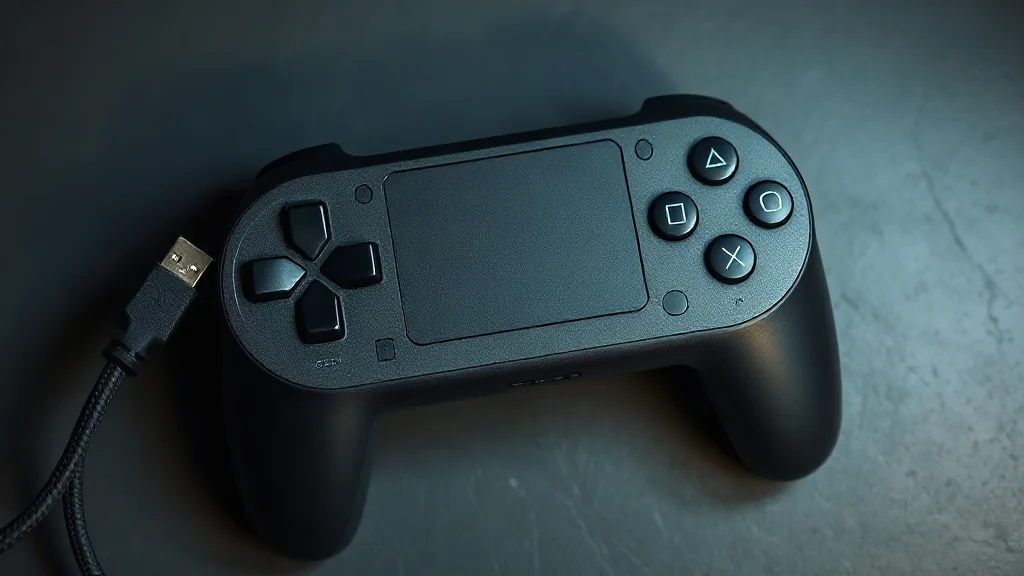
Start with the device and game you intend to use. DualSense pairs with supported devices through Bluetooth or USB, but establishing a connection does not tell you which individual features a game supports. Check those details before choosing your connection method, particularly if a specific controller feature is central to your plans.
On PC, haptic feedback requires USB in supported games. If that is the feature you want, use this requirement to guide your setup rather than assuming Bluetooth provides the same result. Sony lists select PC titles with DualSense features, including Cyberpunk 2077, Death Stranding Director’s Cut, God of War Ragnarök and Final Fantasy VII Rebirth. Confirm the relevant game’s support separately: inclusion among feature-supporting titles does not mean every feature behaves identically.
Browse PC controllers on Amazon UK